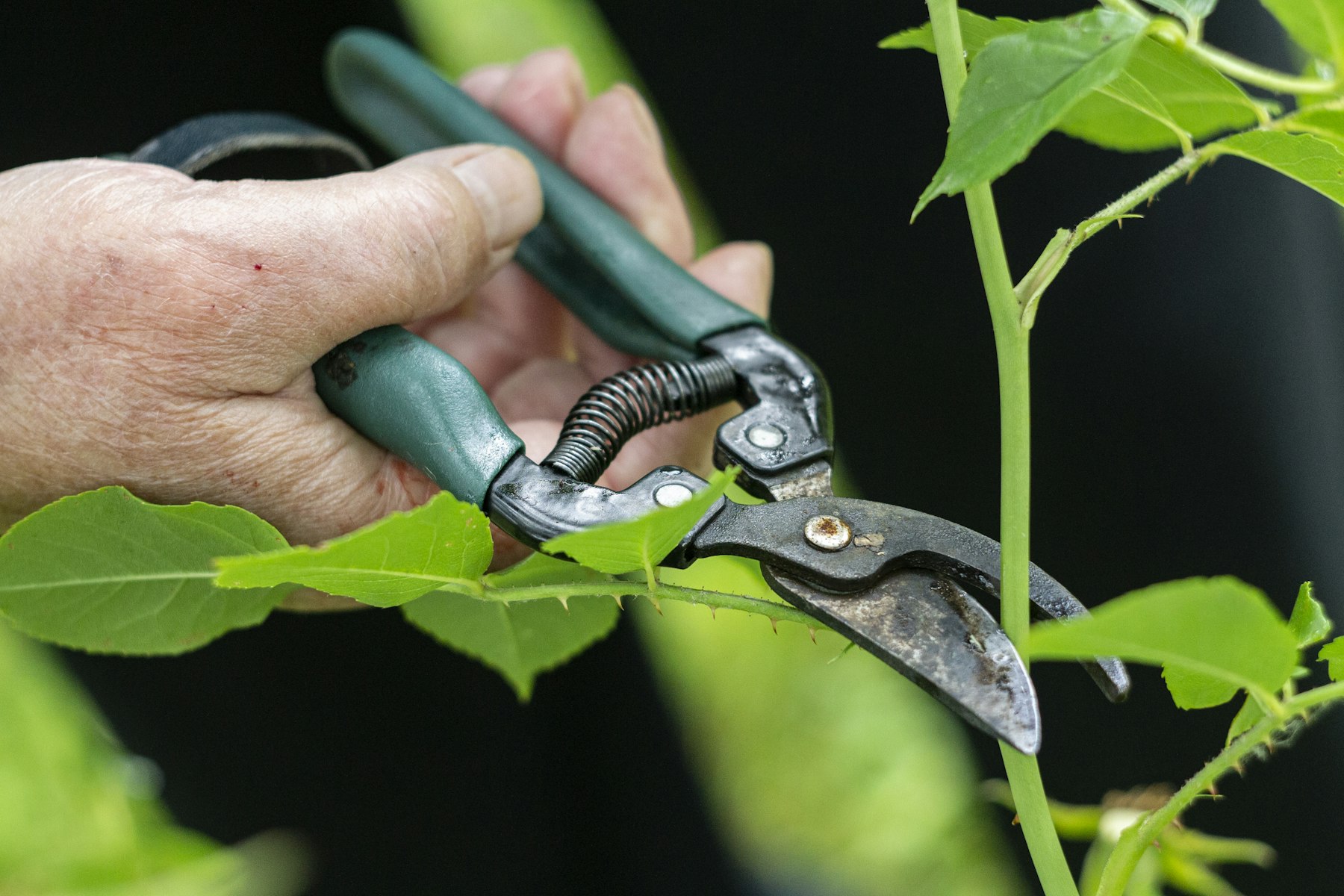
There’s a lovely moment on launch day when the new site goes live and everyone breathes out. It’s easy to think of that as the finish line. Really, it’s the start. A website is a lot more like a building than a brochure: it needs a bit of looking after, and if it gets it, it will serve you well for a long time.
We still look after the websites of clients who have been with us for nineteen years. We were at New Deck Tavern’s 40th anniversary celebration recently, and we’ve handled every update to their site since it launched. That kind of relationship only works if the site is kept in good shape along the way.
Here’s what that involves.
Keep everything updated
If your site runs on WordPress, there are three things to keep current: WordPress itself, the theme, and the plugins. Updates fix security holes as well as bugs, and an out-of-date plugin is one of the most common ways sites get hacked.
Updates can occasionally break something, which is why they’re best done carefully, with a backup taken first and a quick check of the site afterwards.
Back it up, and know that you can restore
Backups should happen automatically, and they should be stored somewhere other than the server your site lives on. Just as important is knowing that a backup can actually be restored. A backup nobody has ever tested is more of a hope than a plan.
Keep the content fresh
Out-of-date information quietly costs you trust. Old opening hours, last year’s events, staff who left two years ago, a menu with prices that have since changed. It’s worth a quick read through your key pages every few months, and an update whenever something changes in real life.
Watch the renewals
Domain names and hosting renew every year or so. If the card on file has expired, or the renewal emails are going to someone who has left, a site can go offline without warning. Make sure renewals go to an address someone actually reads.
Test the things that matter
Every so often, actually use your own website the way a visitor would:
- Fill in your contact form and check the message arrives.
- Click through the main menu on your phone as well as your computer.
- Check that booking links, maps and phone numbers work.
- Search for your business name and see what comes up.
It takes ten minutes and it catches problems before your visitors do.
Keep an eye on speed
Sites tend to get slower over time as large photos and extra plugins pile up. A slow site frustrates people and can hurt how you appear in search results. Resizing images before uploading them makes a surprising difference.
A simple rhythm
If you like a checklist, this works well for most organizations:
- Monthly: updates, backups checked, contact form tested.
- Quarterly: read through key pages, check speed, fix any broken links.
- Yearly: review renewals, passwords and who has access, and ask whether the site still says what you want it to say.
You can do all of this yourself, or hand it to someone you trust. Either way, a little regular care is far cheaper than a rescue.
If you’d rather someone else kept an eye on things, that’s what we do.